Financial Management Solutions
Apple Pay Is Now Live In India Supported Banks, Cards, And Setup Guide
Share
TL;DR
-
Users can pay in stores with compatible iPhones and Apple Watches.
-
iPhone and iPad also support Apple Pay in participating apps and websites.
-
Mac support is coming soon, while RuPay, debit cards, and other Indian banks are not announced at launch.
-
Apple Pay uses tokenized card credentials instead of sharing the actual card number with merchants.
-
The service works alongside UPI rather than replacing it, giving eligible Apple users another contactless card payment option.
Introduction
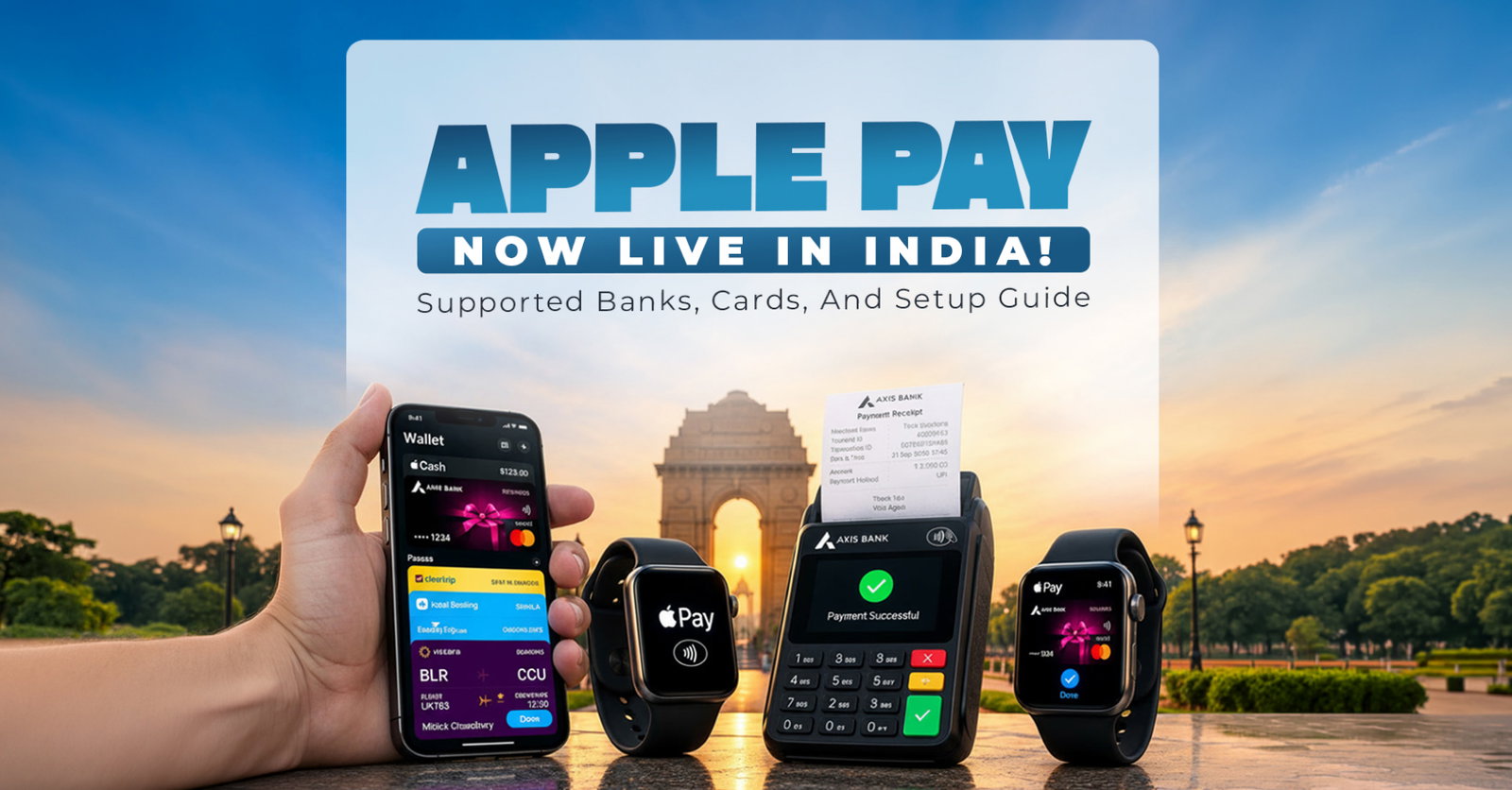
Apple Pay has arrived in India, giving iPhone, iPad, and Apple Watch users another way to pay in stores, apps, and websites. The September 30, 2026 launch starts with Axis Bank-issued Visa and Mastercard credit cards. Mac support is coming later.
That makes the first rollout useful but narrow, especially in a market where UPI already handles payments at enormous scale. For eligible users, setup is simple. Add a supported card to Apple Wallet, authenticate with Face ID, Touch ID, or a passcode, and tap a contactless terminal. Apple says the service works without requiring a PIN or one-time password at checkout.
Is Apple Pay Available in India Now?
Apple Pay is live in India as of September 30, 2026. Apple says customers can use it on eligible iPhones and Apple Watches for contactless payments, while iPhone and iPad users can also pay in supported apps and on the web. Mac support has been announced but is not available at launch.
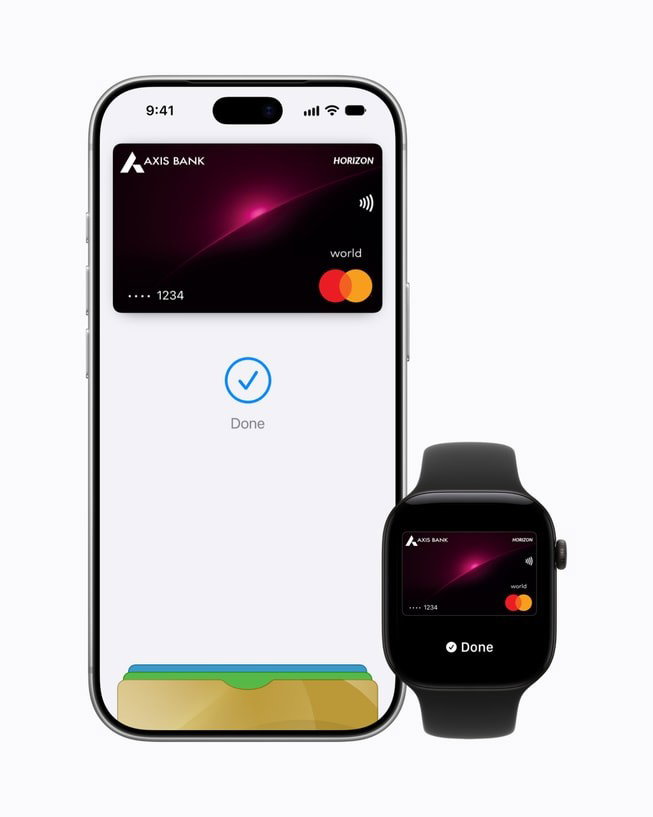
The service uses cards stored in Apple Wallet and works anywhere the participating card and merchant support the transaction. Apple says in-store payments can be completed by authenticating on the device and holding it near an NFC contactless reader.
Which Banks and Cards Support Apple Pay in India?
Axis Bank is the only Indian bank announced for Apple Pay at launch. Eligible Axis Bank Visa and Mastercard credit cards can be added to Apple Wallet. Apple has not announced support for Axis Bank debit cards, RuPay cards, or cards issued by other Indian banks as of September 30, 2026.
Card eligibility can still vary, so customers should check with Axis Bank if a specific credit card cannot be added. Apple says users continue receiving the rewards and benefits attached to an eligible card when they pay through Apple Pay.
| Bank or card | Status |
| Axis Bank Visa credit cards | Supported |
| Axis Bank Mastercard credit cards | Supported |
| Axis Bank debit cards | Not announced at launch |
| RuPay cards | Not announced at launch |
| Other Indian banks | Not announced at launch |
Which Apple Devices Support Apple Pay in India?
Apple Pay in India requires relatively recent Apple hardware. For in-store use, Apple says customers need an iPhone XR or later running iOS 18 or later. Apple Watch support starts with Apple Watch Series 6 or later running watchOS 11 or later, paired with an eligible iPhone.
iPad can be used for Apple Pay purchases inside supported apps and on websites, but it is not used to tap at physical payment terminals. Mac support is listed as coming soon. Compatibility can also depend on the latest software and an Apple Account signed in on the device.
How to Set Up Apple Pay in India
Apple Pay can be set up through Apple Wallet or the latest Axis Bank app. Apple Support says the device needs an Apple Account, a supported card, and Face ID, Touch ID, or a passcode. Either route may require card issuer verification before payments are enabled.
-
Open Apple Wallet on the iPhone.
-
Tap the plus button to add a card.
-
Scan the eligible card or enter its details as prompted.
-
Complete any Axis Bank verification requested during setup.
-
Wait for confirmation that the card is ready for Apple Pay.
Customers can also start from the latest Axis Bank app and add a supported card to Wallet from there.
How to Pay With Apple Pay in Stores
Apple Pay makes in-store checkout a short device-authentication flow. The customer confirms identity on the iPhone or Apple Watch, then presents the device to a compatible NFC contactless reader. Apple says the in-store payment can work without Wi-Fi or cellular service.
-
Double-click the side button, or Home button on a supported iPhone.
-
Authenticate with Face ID, Touch ID, or the device passcode if prompted.
-
Hold the top of the iPhone near the contactless reader.
-
On Apple Watch, authenticate and hold the display near the reader.
The merchant's payment system still needs to accept the card transaction through the normal network.
Where Can You Use Apple Pay in India?
Apple says Apple Pay will be accepted by millions of merchants across India, including businesses using compatible contactless payment infrastructure. Named launch merchants include Apple Store locations, Blinkit, Chaayos, Comet, Croma, Interflora, Ixigo, Le15 Patisserie, Reliance brands, Tata 1mg, and Zomato.
Apple has also worked with payment providers including Cashfree, Juspay, Mswipe, Paytm, PayU, Pine Labs, Razorpay, and Worldline. Acceptance will still vary by merchant, card, checkout type, and terminal. In stores, look for the contactless symbol. Online, look for the Apple Pay button during checkout.
Does Apple Pay Work Differently From UPI?
Apple Pay and UPI can both complete everyday purchases, but they use different payment rails. Apple Pay in India currently places an eligible Axis Bank credit card inside Apple Wallet and sends a tokenized card transaction through the relevant card network.
UPI is an instant payment system developed by the National Payments Corporation of India that primarily moves money between linked bank accounts. UPI supports bank-to-bank transfers and merchant payments using identifiers such as a UPI ID or QR code. Apple Pay therefore adds a card-based contactless option rather than replacing India's existing UPI ecosystem.
How Secure Is Apple Pay?
Apple Pay is designed so the merchant does not receive the actual card number during payment. Apple says the real card number is not stored on its servers or shared with merchants. Instead, a unique Device Account Number is assigned and stored in the device's Secure Element.
Payments are protected with Face ID, Touch ID, or the device passcode. Apple also says it does not retain transaction information that can be tied back to the user. If an iPhone is lost, Find My can place the device in Lost Mode and suspend Apple Pay, with cards removable remotely.
Do Card Rewards Still Work With Apple Pay?
Eligible card rewards do not disappear when the physical card moves into Apple Wallet. Apple says users continue earning the rewards and benefits provided by their supported cards when paying through Apple Pay. That can include whatever cashback, points, miles, or other benefits the issuer normally applies to qualifying purchases.
The important distinction is that Apple does not create or manage those card rewards. The issuing bank controls eligibility, exclusions, fees, and benefit terms. Users should therefore check the Axis Bank card terms when a reward depends on a particular merchant category or transaction type.
What Is Still Missing From Apple Pay in India?
The launch is narrower than Apple Pay in many mature markets. Only Axis Bank has been announced, and support is limited to eligible Visa and Mastercard credit cards. Apple has not announced RuPay support, Indian debit card support, or additional local issuers at launch.
Mac support is also still pending. These limits could change quickly as Apple adds partners, so any supported-bank list should be dated. The wider question is how much everyday behavior Apple Pay can capture in a country where UPI already offers broad QR-based acceptance and direct bank payments across phones from many manufacturers.
The Bottom Line
Apple Pay's India debut gives eligible Apple users a fast card-based payment option that works across contactless stores, apps, and websites. The setup is straightforward, and Apple's tokenization and device authentication reduce the need to expose card details at checkout. The biggest limitation is availability.
As of September 30, 2026, users need a compatible Apple device and an eligible Axis Bank Visa or Mastercard credit card. Apple Pay is therefore a useful new layer in India's digital payments market, but wider adoption will depend on more banks, card types, devices, and merchants joining over time. That expansion will determine how useful it becomes nationwide.
Frequently Asked Questions
Which Banks Support Apple Pay In India?
As of September 30, 2026, Apple has announced Axis Bank as the participating Indian bank at launch. Eligible Axis Bank-issued Visa and Mastercard credit cards can be added to Apple Wallet. Apple has not announced support for cards from other Indian banks yet, so users should check Apple and their card issuer for updates.
Does Apple Pay Support Indian Debit Cards?
Apple's India launch announcement covers eligible Axis Bank Visa and Mastercard credit cards. It does not announce support for Axis Bank debit cards or debit cards from other Indian issuers. Support can expand over time, so customers should check with their bank before assuming a specific debit card will work.
Can I Use A RuPay Card With Apple Pay?
RuPay support was not announced as part of Apple Pay's India launch on September 30, 2026. The initial rollout covers eligible Axis Bank Visa and Mastercard credit cards. Apple may add more networks and issuers later, but users should rely on Apple's current participating-card information rather than assuming future support.
Wed, Sep 30, 2026

Enjoyed what you read? Great news – there’s a lot more to explore!
Dive into our content repository of the latest tech news, a diverse range of articles spanning introductory guides, product reviews, trends and more, along with engaging interviews, up-to-date AI blogs and hilarious tech memes!
Also explore our collection of branded insights via informative white papers, enlightening case studies, in-depth reports, educational videos and exciting events and webinars from leading global brands.
Head to the TechDogs homepage to Know Your World of technology today!
Disclaimer - Reference to any specific product, software or entity does not constitute an endorsement or recommendation by TechDogs nor should any data or content published be relied upon. The views expressed by TechDogs' members and guests are their own and their appearance on our site does not imply an endorsement of them or any entity they represent. Views and opinions expressed by TechDogs' Authors are those of the Authors and do not necessarily reflect the view of TechDogs or any of its officials. While we aim to provide valuable and helpful information, some content on TechDogs' site may not have been thoroughly reviewed for every detail or aspect. We encourage users to verify any information independently where necessary.
Loading comments...